Cloudflare WAF: Differences Between Free, Pro, Business and Enterprise Plans
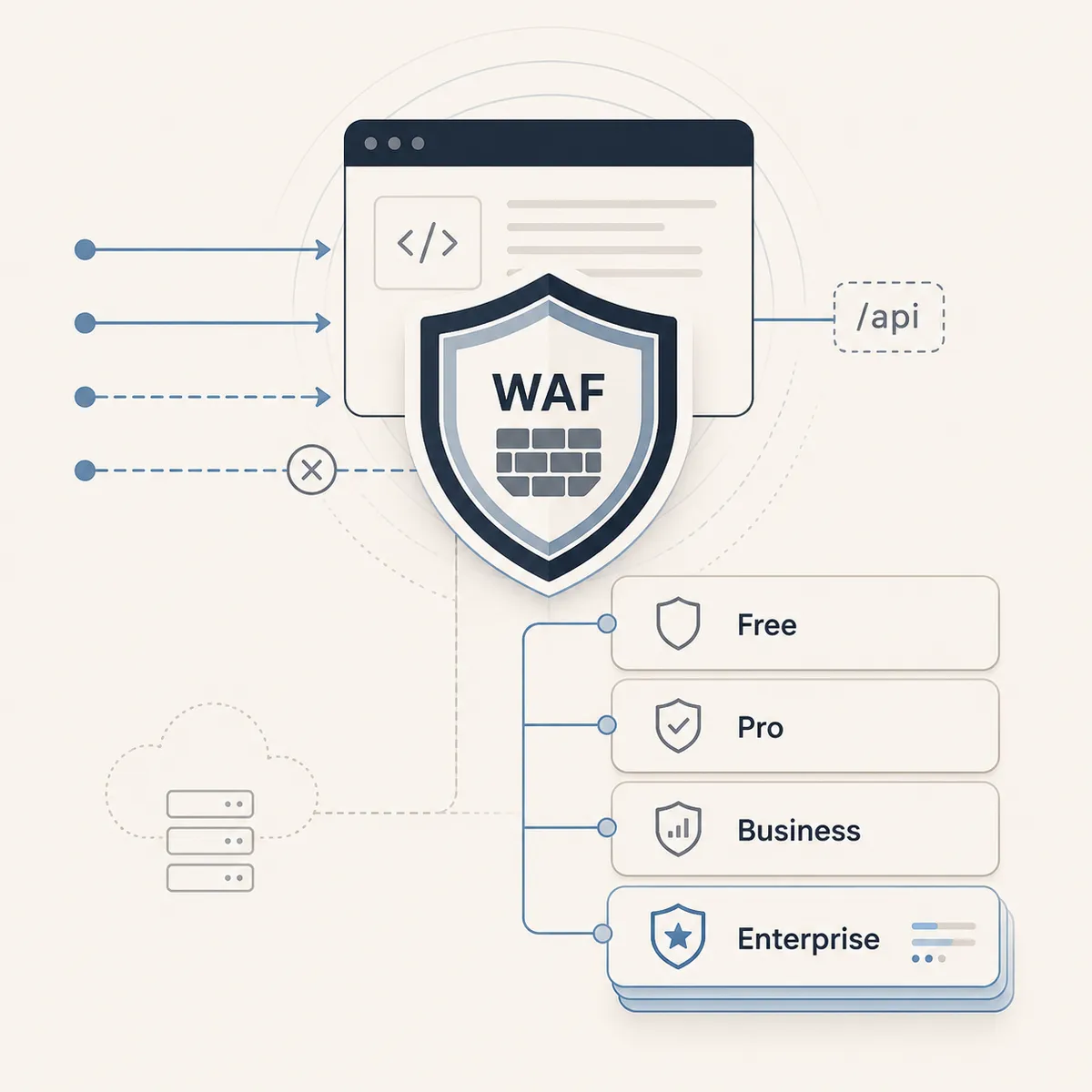
Cloudflare WAF filters incoming HTTP/HTTPS requests, blocking traffic that matches known attack patterns or rules defined by an administrator. The technology is available across all plans - from Free to Enterprise - but the scope of protection each one provides differs substantially. Choosing a Cloudflare plan is at the same time a decision about how much control over web application security an organization will have. Below we outline exactly what sets each level apart - based on Cloudflare official documentation and our many years of experience.
Managed Rulesets: What Each Plan Gets From the Start
On the Free plan, users have access to the Cloudflare Free Managed Ruleset - a subset of the full managed ruleset, focused on the highest-impact and most widely exploited vulnerabilities. This ruleset activates by default and requires no configuration. It provides baseline protection, but does not allow customizing the behavior of individual rules or deploying the OWASP Core Ruleset, which prevents attacks such as XSS, SQL Injection, RCE and the like.
Pro, Business and Enterprise plans provide access to the full Cloudflare Managed Ruleset - a regularly updated collection of rules covering known attacks and vulnerabilities. Rule changes are published weekly in the WAF changelog; Cloudflare can also add rules on an emergency basis during urgent releases, protecting against zero-day vulnerabilities such as Log4j. The full ruleset allows configuring the behavior of individual rules and tags, creating exceptions, and setting custom actions. On these plans you can deploy the Cloudflare OWASP Core Ruleset - which evaluates each request and triggers a configured action once the threshold of triggered alerts is exceeded.
Custom Rules: Rules With Your Own Logic
Custom rules allow an administrator to independently define filtering conditions and actions - blocking (including customized response types such as HTML, JSON or XML), interactive challenge (captcha/Turnstile), skipping managed rules, or logging matches. All plans have access, but the limits, available actions and parameter capabilities differ significantly.
On the Free plan, up to 5 custom rules can be configured, with no support for regular expressions and no Log action. Pro raises the limit to 20 rules. Business provides 100 rules and adds regular expression support. Enterprise offers 1,000 rules and the full set of actions, including logging matches without blocking - essential when analyzing traffic and tuning rules before production deployment. Enterprise with a paid add-on also enables rule configuration at the account level, covering multiple domains simultaneously. On the Enterprise plan with the appropriate licenses you can also use rules based on Bot Score and Attack Score for precise detection and blocking of advanced attack attempts and bots.
The rule limit is not a cosmetic difference. For an organization with a complex web application serving multiple API paths and different user groups, a ceiling of 20 or 100 rules can become an architectural constraint. The same applies to the available filters and actions that can be used in rules. More advanced applications often require more advanced protection, which Cloudflare Enterprise delivers.
Rate Limiting: Protection Against Excessive Traffic
Rate limiting lets you define request volume limits for traffic matching an expression, and the action to take when those limits are exceeded. The mechanism is available on all plans, but the precision and scope of control differ radically.
The Free plan allows one rule, with a counting window of 10 seconds and traffic identified by IP address only. Pro provides two rules and extends the window to one minute. Business raises the limit to 5 rules, adds NAT support - allowing correct identification of users behind a shared IP - enables custom counting expressions, and extends the window to 10 minutes with a block duration of up to 24 hours. Enterprise with the Application Security package provides 5 or more rules (depending on contract terms), with a window reaching one day. When the Bot Management module is purchased, support for characteristics such as JA3/JA4 fingerprint is also available. Advanced Rate Limiting extends the capabilities further with header values, cookies and JSON fields in the request body, as well as a throttling model - instead of hard blocking, traffic is throttled to a permissible rate.
WAF Attack Score and Bot Protection
WAF Attack Score is a machine learning layer that analyzes requests for SQLi, XSS and RCE patterns independently of signature-based managed rules. It detects attacks that bypass classic signature rules - particularly dangerous in an era of AI capable of quickly probing hundreds of bypass techniques.
On the Business plan, a single field is available - WAF Attack Score Class - which accepts qualitative values such as "Attack". This allows building rules that block traffic classified as an attack, but without access to the raw numerical score. Enterprise receives full access to the WAF Attack Score field with a numeric value, enabling custom thresholds and more granular actions.
Bot protection follows a similar pattern. The Free plan provides Bot Fight Mode, which operates automatically but supports no exceptions - if it incorrectly blocks legitimate automated traffic, the only option is to disable it entirely or upgrade to a higher plan. Pro and Business replace it with Super Bot Fight Mode, which supports skip rules - necessary when monitoring services, payment integrations or other automated systems are misclassified as bots. Enterprise with the Bot Management module provides access to a numeric bot score and the ability to build custom rules with precise thresholds per path, user agent or other request properties.
Account-Level WAF Management
On Free, Pro and Business plans, WAF configuration operates exclusively at the individual domain level. Each domain is managed separately, and rules and rulesets are not automatically shared across domains in an account. Enterprise with the appropriate add-on gains the ability to deploy managed rules at the account level. At this level, each managed ruleset can be deployed multiple times with different configurations for different subsets of traffic - something not possible with zone-level configuration. This applies to custom rules and rate limiting rules as well. It matters for organizations managing multiple domains or environments that want to maintain a consistent security policy without manually duplicating configuration.
How ICWT Helps in Choosing the Right Plan
In Cloud We Trust supports organizations in assessing their security requirements and selecting the Cloudflare plan that matches their actual attack surface and operational needs. If you want to compare the available options and see what a higher plan would specifically bring to your infrastructure, contact us for a free consultation.
Sources
FAQ
Does the Cloudflare Free plan provide WAF protection?
Yes. The Free plan activates the basic Cloudflare Free Managed Ruleset by default - a subset of the full ruleset focused on the highest-impact vulnerabilities. However, it does not allow customizing rule behavior, deploying the OWASP Core Ruleset, or using most functionality in custom rules.
What is the key difference between the Pro and Business plans?
Business provides 100 custom rules (vs. 20 in Pro), adds regular expression support, 5 rate limiting rules with a 10-minute window and NAT support, plus access to the WAF Attack Score Class field. Pro remains limited to two rate limiting rules with a one-minute window.
What is WAF Attack Score and when is it available?
WAF Attack Score is a machine learning layer that scores requests for SQLi, XSS and RCE patterns independently of signature-based managed rules. It is a novel approach with significantly higher effectiveness, capable of detecting even zero-day attacks. The Business plan provides access to a qualitative value (Attack Score Class), while Enterprise provides the full numeric value with the ability to set custom thresholds and actions.
Do I need an Enterprise plan if I manage multiple domains?
If you want to manage WAF, rate limiting and custom rules at the account level - yes. The Free, Pro and Business plans only allow WAF configuration per individual domain, which forces manual duplication of configuration across zones.
Which plan offers the best bot protection?
Enterprise with the Bot Management add-on - it provides a numeric bot score and lets you build custom rules with thresholds per path, user agent, JA3/JA4 fingerprint or other request properties. Pro and Business offer Super Bot Fight Mode with skip rules, while Free provides only basic Bot Fight Mode without exceptions.